True North
The signature look: balanced blue, bright stars, and clean contrast. Start here.
 Not Lost Or Found
 A free Find
Ten cool-blue, bright, contrast-rich edits built for the Milky Way, desert nights, moonlight, and that stubborn glow on the horizon.
Free download · 10 presets · Lightroom desktop and mobile
What you get
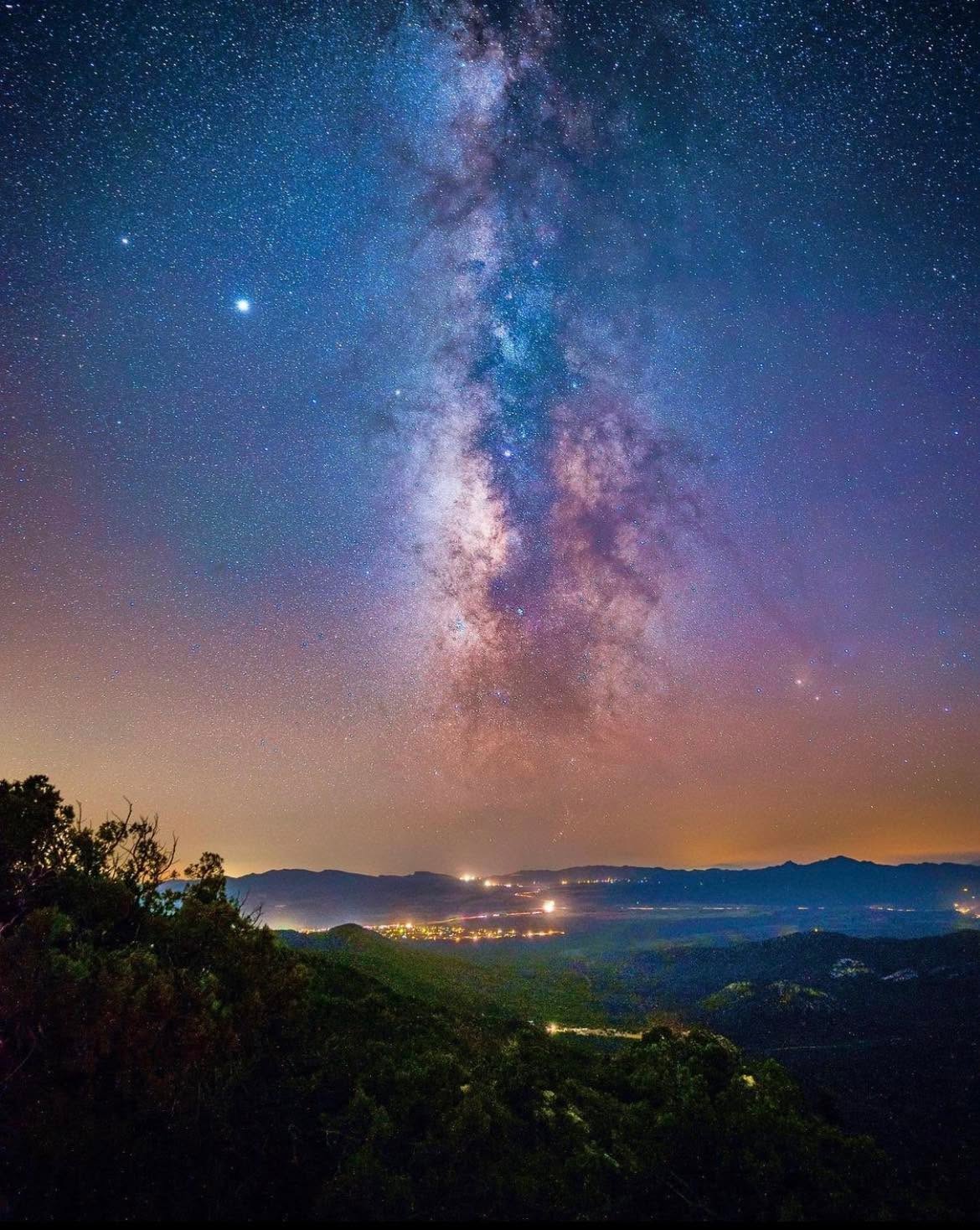
I rebuilt this collection around my original Milky Way before-and-after edits: luminous blue skies, clear galactic detail, decisive contrast, and clean dark silhouettes. The spirit of that first astro pack is here, expanded into ten distinct starting points.
Astro files change wildly with the camera, lens, moon, and light pollution. Apply the look you like, then use Exposure and White Balance to make it belong to your particular night.
Inside the pack
The signature look: balanced blue, bright stars, and clean contrast. Start here.
Deep cobalt color and bold separation for genuinely dark skies.
The brightest edit, built to open foregrounds without flattening the sky.
Dense blacks and dramatic contrast for a more cinematic night.
Extra definition, dehaze, and violet-blue detail through the Milky Way.
Softer contrast for moonlight, twilight, and naturally brighter skies.
A cool sky that keeps Arizona reds and oranges alive below it.
The boldest, bluest, most vivid look in the set.
Bright atmospheric blue with a gently lifted black point.
Natural cool color, restrained saturation, and extra noise control.
How to install
You only need the version that matches where you edit.
Before you panic
Warm the White Balance slider until the sky feels natural for your scene. Electric Night and Cobalt Trail are intentionally bold; try True North or Midnight Clean when you want a quieter blue.
Raise Exposure first, then open Shadows only as much as the file can handle. Starlight and High Desert Haze are the most forgiving starting points for foreground detail.
Astro files often need camera-specific noise reduction. These presets include controlled luminance and color-noise adjustments, but high-ISO files may need additional Denoise after the preset is applied.
Yes. They work with RAW, JPEG, and phone images, although RAW files give you more room to recover star detail and adjust color.
Please send friends to this page instead. The presets are free for your own photography, but the files may not be resold, repackaged, shared, or redistributed.
Ready when you are
Keep looking up
These free tools and local guides connect Shannon’s astrophotography work with the Northern Arizona skies that shaped it.